Group the apps that pull at you
Put the ones you lose time to in a group and give it a daily budget. Each visit gets a short session, and the budget is shared across the group rather than renewed per app.
SnapFocus blocks distracting apps on a schedule. Finished focus sessions bank hours, and those hours buy plants you keep.

The whole point is to move the choice away from the moment you are least able to make it.
Put the ones you lose time to in a group and give it a daily budget. Each visit gets a short session, and the budget is shared across the group rather than renewed per app.
A rule can run all day, or only during the hours it matters: after bedtime, inside work hours, on weekdays alone.
Instead of the app, you get a screen telling you where you are. There is a way past it, because a rule with no exit is one you delete by Thursday.

Start a session and every app goes away for as long as you chose, this one included. Finish it and the time lands in a balance you spend on plants.
Fifteen minutes is the floor because it is the shortest block iOS will reliably time.
The exit is always there. It just does not pay, or finishing would mean nothing.
One stage per good day. Go over a limit and it steps back a single stage, not to bare soil. Losing three weeks of growth to one bad evening makes the bad evening feel decisive, which is the mood this app exists to defuse.

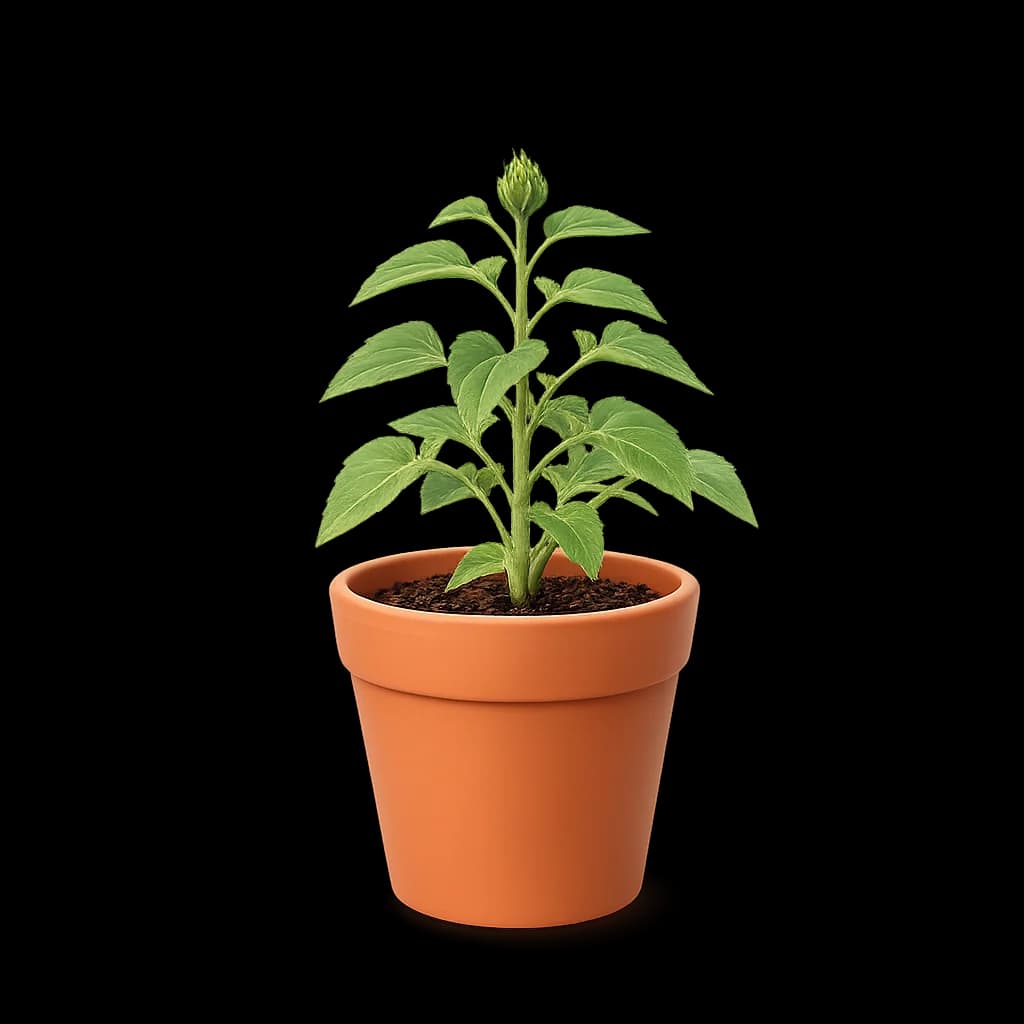
There are four plants to grow, and which one sits on your home screen is your choice. The rest wait in the garden until you spend the hours on them.
iOS encrypts it. When you pick apps, the system hands over an opaque token instead of a name, and your time in those apps is measured inside a sandbox we cannot read out of. That data is not withheld by policy. It is unavailable.
What we do collect is ordinary and worth stating plainly: an installation identifier, and how often SnapFocus itself is opened and used, so we can tell which parts earn their place. Not sold, not used for advertising. The privacy policy lists every event by name.
The core of it is: app groups, limits, schedules, and Deep Focus sessions cost nothing. There are in-app purchases for Premium, sold either as an auto-renewing subscription (weekly, monthly, or yearly) or as a one-time lifetime unlock that never renews. Prices show in your own currency before you confirm anything, and subscriptions are cancelled in your Apple Account settings.
Yes. Every shield offers a way through, and Quick Disable turns everything off at once. Both cost you growth on that day's plant. A rule with no exit is one you delete the first time it gets in the way of something real.
It does, and it will not work without it. Apple's Screen Time framework is the only way an app can shield another app. You can revoke it in Settings at any time, and SnapFocus shows a banner on the home screen when that happens rather than quietly pretending to protect you.
A day with no activity counts as a day you kept the rules, so a quiet weekend does not punish you. Only going over a limit or using Quick Disable steps a plant back, and only by one stage.
Because iOS refuses to schedule a shorter one. Deep Focus is timed by the system rather than by the app, since a running session blocks SnapFocus too and nothing of ours is awake to end it.
Yes. It shows the plant you have chosen at the stage it is at today, and how much of your daily budget is left. It reads artwork the app has already downloaded, so it still draws on a plane.

One group, one limit, one plant. You can add the rest once you know it holds.